




Advertisements
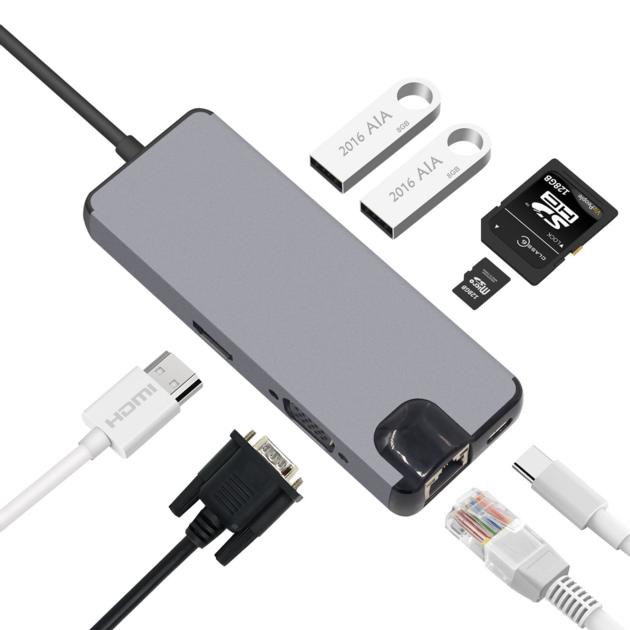


8 in 1 Type C Adapter Hub to 2USB SD Micro SD LAN VGA HDMI Extend PD Charge Dock 1000 Mbps Rj45 OTG
| Price: | US$ 22 / Piece |
|---|---|
| Minimum Order: | One |
| Payment Terms: | T/T |
| Port of Export: | Shenzhen |
Product Details
| Model No.: | Brand Name: |
|---|
| Certification: | |
|---|---|
| Specification: | Type C Adapter Hub to 2USB SD Micro SD LAN VGA HDMI Extend PD Charge Dock 1000 Mbps Rj45 OTG for Macbook pro |
Packaging & Delivery
| Packaging: | |
|---|---|
| Delivery/Lead Time: | 3 days |
| Production Capacity: |
Product Description
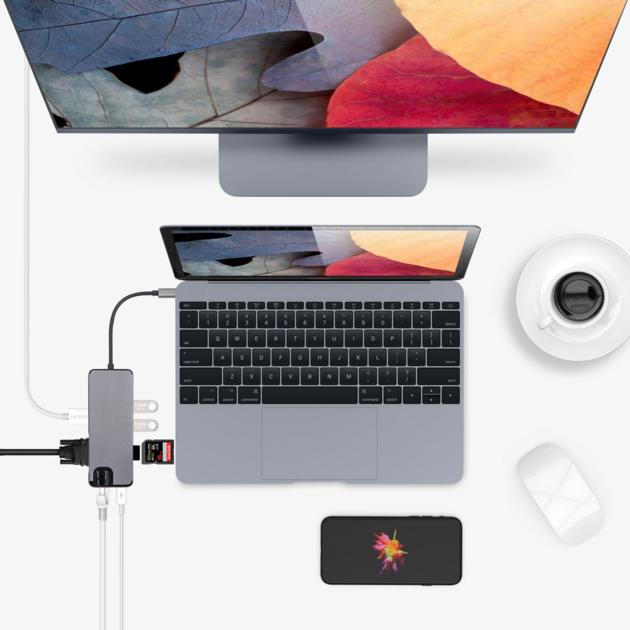
8 in 1 Type C Adapter Hub to 2USB SD Micro SD LAN VGA HDMI Extend PD Charge Dock 1000 Mbps Rj45 OTG for Macbook pro
Features:
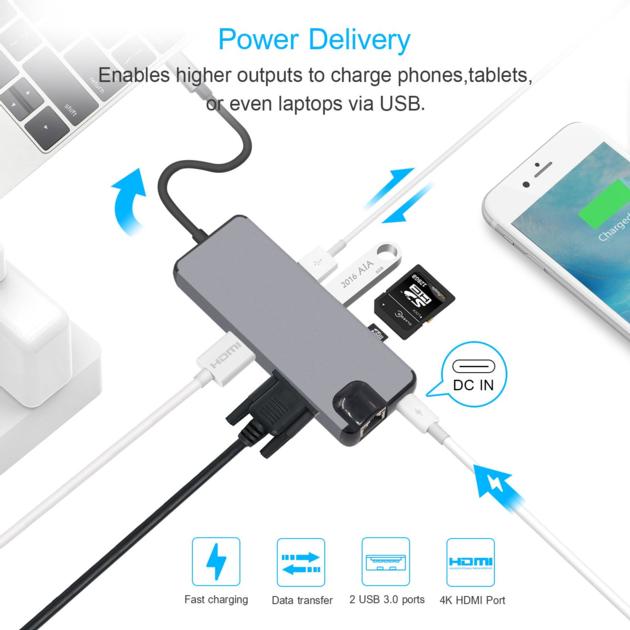
1.Supports Type-C input HDMI video output.
2. HDMI output: Up to 4K HD (3840x2160 @ 30Hz) or 2K / 1080p / 720p / 480p / 360p
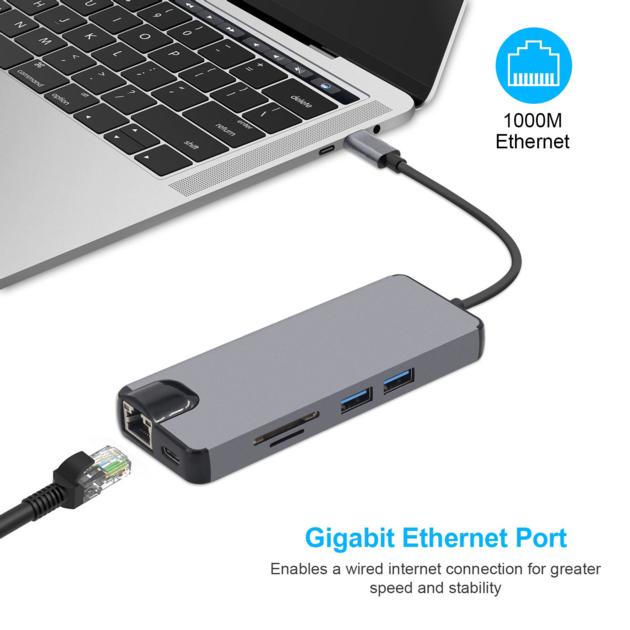
3. Ethernet Lan Rj45 Adapter (RJ-45 port): 10/100/1000 Mbps
4. VGA Adapter: HDMI and VGA not simultaneously, resolution up to 1920 * 1080P.
5. USB 3.0 : Data transfer: up to 5 Gbps
6. SD / TF card slot: Write speed up to 480Mbps
7. Type-C port: Charging(Charge only for laptop)
8.Supports HDCP2.2
9.Supports hot swapping
Specifications:
1.Color:Gray
2.Material: Aluminium alloy
3.Transmission speed:5Gbps
5.Product length:26.5cm
6.Package weight:100g
7.Package size:17*8*2cm
8.Input interface: Type C
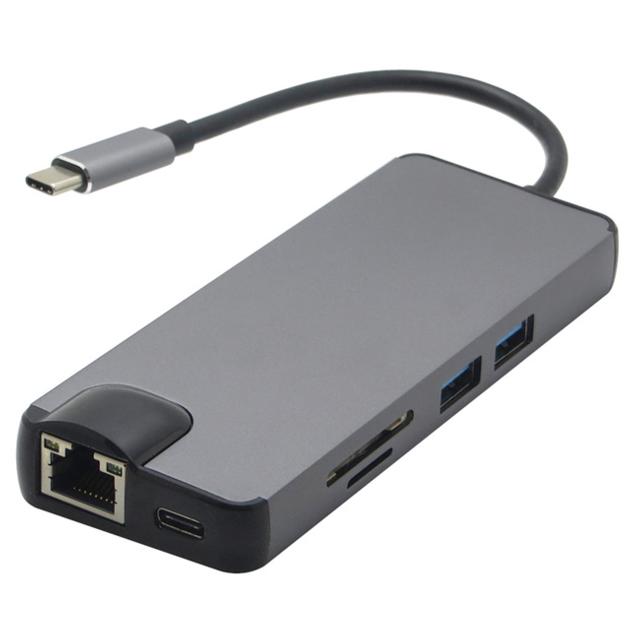
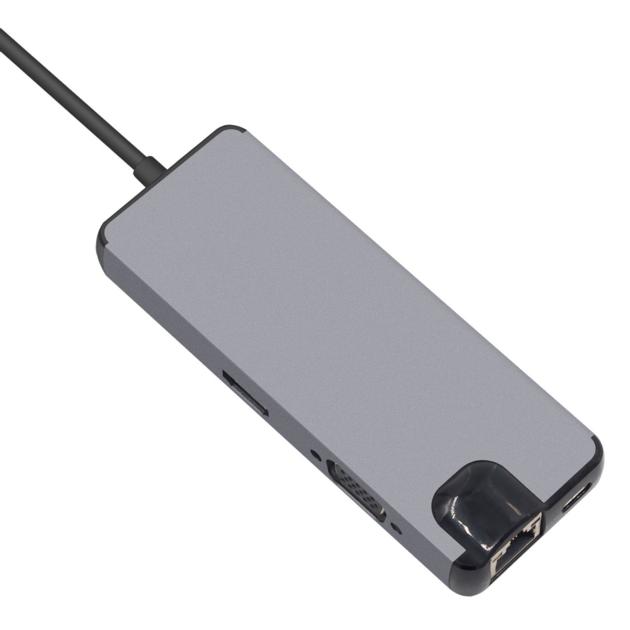
9.Output interfaces:
2*USB3.0 Ports
1*PD charging(Type C)
1*HDMI 4K
1*VGA
1*LAN
1*TF slot
1*SD card slot
Note:
1.For stable connection, connect a power adapter to the hub when using high-power devices.
2.The USB-C female port of this product is only for charging USB-C laptops whose USB-C port supports USB Power Delivery (PD) and does not support data transfer.
3.A 4K-capable display and HDMl cable are required to achieve 3840x2160 resolution.
Tips:
4 ways to help reduce the USB 3.0 radio frequency interference to the wireless connection of some laptops.
1.Connect the laptop to a 5GHz Wi-Fi network.
2.Connect devices (e.g. mouse and keyboard) to USB 2.0 ports on the laptop
3.Connect the USB 3.0 hub to the laptop with a high-quality 1-foot or longer USB 3.0 extension cable; keep USB 3.0 devices away from the host computer.
4. Use high-quality shielded USB 3.0 devices/cables/connectors.
|
SUPPLIER PROFILE
|
|||
|---|---|---|---|
| Company: | FOYA ELECTRONICS | ||
| City/State | Shenzhen, Guangdong | Country: |
China 
|
| Business Type: | Export - Manufacturer / Trading Company | Established: | NA |
| Member Since: | 2021 | Contact Person | Andrew Zhang |
SUPPLIER PROFILE
City/State/Country -
Shenzhen, Guangdong
China
Business Type -
Export - Manufacturer / Trading Company
Established -
NA
Member Since -
2021
Contact Person -
Andrew Zhang